
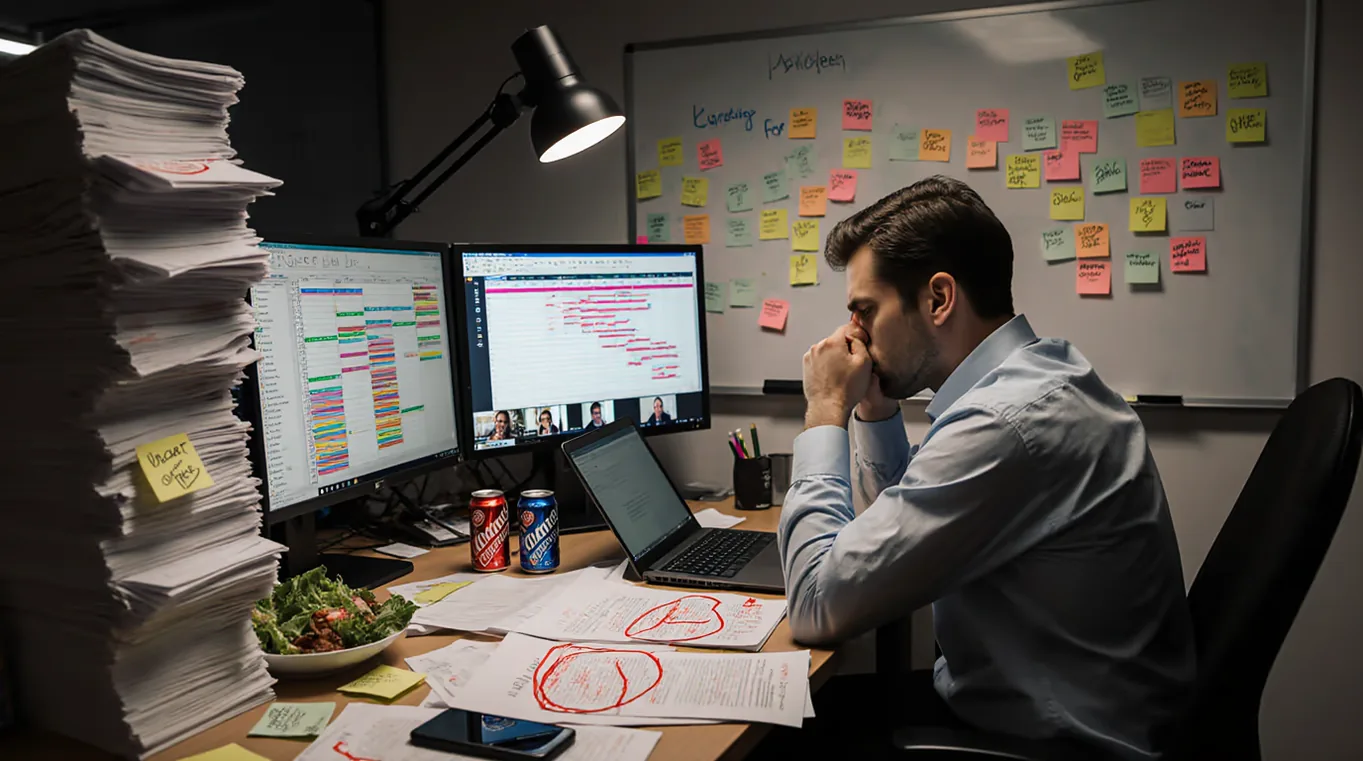


Automating project reporting without loss of quality is a topic that more and more companies in the Netherlands are focusing on. Consultancy and IT firms are seeking practical ways to make reporting less time-consuming and error-prone.
Manual reporting processes are often complex and time-consuming. In this guide, you will read exactly what project reporting entails, where the bottlenecks lie, and how automation can contribute to better results.
The goal is clear: to provide insight into the challenges of manual project reporting and explain how automation is possible without loss of quality.
The challenge of manual project reporting
We see that consultancy and IT firms lose 3 to 5 hours weekly chasing timesheets. In addition, 10 to 15% of billable hours are lost due to inadequate recording. Manual time tracking even results in the loss of one in five billable hours, with some studies showing that up to 40% of billable hours are not recorded. According to research by Harvard Business Review, the US economy loses $7.4 billion daily due to inaccurate time tracking.
The biggest problems are:
- Time loss: Concrete hours lost to manual processes
- Error susceptibility: Manual entry leads to incorrect reports
- Lack of real-time insight: Consultancy firms react too late to project deviations
- Administrative burden: Direct impact on the number of billable hours
Preparation: requirements and define quality standards
Preparation plays an important role before automating project reporting is possible. By establishing requirements and quality standards in advance, clarity is created regarding the desired end result.
Different stakeholders within an organization request different types of information. For example, a project manager tracks progress at a detailed level, while a client primarily wants to see summaries and delivery dates. The finance team looks at costs, budgets, and margins.
Three important quality criteria:
- Accuracy: Are the data correct?
- Completeness: Are all relevant components included?
- Currentness: Is the information up-to-date?
Maintaining quality in reporting and clearly defining reporting requirements forms the basis for a reliable automation effort.
Essential building blocks for automation
Automating project reporting requires clear technical and organizational building blocks. One of the most important building blocks is standardized data entry. Consistent input means that everyone records project hours, costs, and progress in the same way.
Integration with existing systems is common among Dutch consultancy firms. Project management tool integration ensures that automation aligns with existing workflows. Examples include integrations with accounting software such as Exact or AFAS.
Four essential building blocks:
- Standardized data entry: Everyone records in the same way
- Integration possibilities: Connection with existing tools
- Real-time data synchronization: Information is updated immediately
- User-friendly interface: Team adoption is increased
Workflow automation then becomes a logical extension of daily practice.
Seven steps to quality preservation in automation
1. Analyze reporting needs
An analysis of reporting needs begins with mapping out who receives what information and why. Consultancy firms ask questions such as: Which reports are mandatory for clients? Which data do we use now, and what are we missing? How often is information requested?
2. Standardize data entry
Standardization of data entry is achieved by using fixed formats and templates for time tracking, project status, and costs. Examples include fixed columns for project name, task, hours worked, and comments. This prevents differences in interpretation and makes it easy to collect data.
3. Select a reliable tool
The selection of a tool is based on alignment with local needs. Important criteria are: Dutch-language support, integration with accounting software such as Exact or AFAS, and simple export options to Excel or PDF.
4. Automate validations
Automating validation rules ensures additional quality checks. Rules such as "hours on a project may not exceed the daily total" or "all mandatory fields completed" are built in. This means that consultants cannot submit incomplete hours.
5. Monitor real-time progress
Monitoring real-time progress means that project information is immediately available to anyone with access. Overviews of hours worked, remaining budget progress against the schedule are automatically updated.
6. Train the team
Training focuses on explaining the new process and the automation. In the Netherlands, short workshops and clear manuals are often chosen so that everyone knows how the system works.
7. Evaluate and optimize continuously
Evaluation and optimization take place based on fixed metrics, such as the number of error messages, the duration of administrative tasks, and the percentage of fully completed reports.
Implementation and change management
Our experience shows that the human side of automation is just as important as the technical side. Team members react differently to changes, especially when existing work processes are modified.
Resistance often stems from uncertainty regarding new systems. Team leaders recognize this by actively listening to concerns, answering questions in a timely manner, and allowing space for feedback during the transition.
Practical tips for team adoption of automation:
- Appointing ambassadors: Enthusiastic employees support colleagues
- Step-by-step training: Start with an introductory session, followed by practical workshops
- Using a test environment: Teams practice before processes go live
Our customers report that measuring success helps to create buy-in. The number of active users is monitored during the first 30 days. After 60 days, an evaluation of real-time project insights follows. After 90 days, companies analyze team satisfaction.
Continuous monitoring and optimization
Continuous monitoring ensures that the quality of reports remains structurally guaranteed. Dutch consultancy firms use specific metrics for this purpose, which provide insight into the status and performance of projects.
AI in project management is increasingly being applied for project reporting optimization. AI helps, for example, with automatically recognizing anomalies, predicting project risks, and analyzing large amounts of data.
Important metrics to track:
- Time registration completeness: Percentage of fully completed timesheets
- Reporting error messages: Number of errors flagged in reports
- Reporting turnaround time: Time between registration and approval
- Budget deviation: Difference between planned and actually spent
These metrics give project teams and management a clear overview of the status and quality of projects.
How we approach it at TimeChimp
At TimeChimp, maintaining quality during the Automating project reporting is a fundamental principle. The approach consists of three components: standardized time tracking, automatic validation of entered data, and direct integration with Dutch accounting and project management software.
Consultancy and IT companies working with TimeChimp report spending an average of 3.5 hours less per week on administrative tasks. They also see an increase in the percentage of fully recorded hours from 85% to 97% within three months of implementation.
Local expertise plays a role in the development and support of the software. The integrations with systems such as Exact and AFAS are specifically tailored to the working methods of Dutch service providers. Time tracking for consultancy IT companies receives the support that suits their working methods through this.
Discover how TimeChimp can automate your project reporting without loss of quality. Try for free.
FAQs

Dutch consultancy firms save an average of 3-5 hours per week through automation, which equates to 15-25% more billable time.
The biggest risk is a loss of quality due to poor data entry, but you can prevent this by establishing standardized processes and validation rules.
For Dutch service providers, full implementation typically takes 4-8 weeks, depending on the complexity of existing processes. With TimeChimp, this is significantly faster, often providing the necessary insights within just one week.
Yes, modern tools like TimeChimp integrate seamlessly with Dutch accounting software such as Exact, AFAS, and Moneybird.
Certainly, companies with as few as 5 employees are already seeing significant time savings and better project insights through automation.


