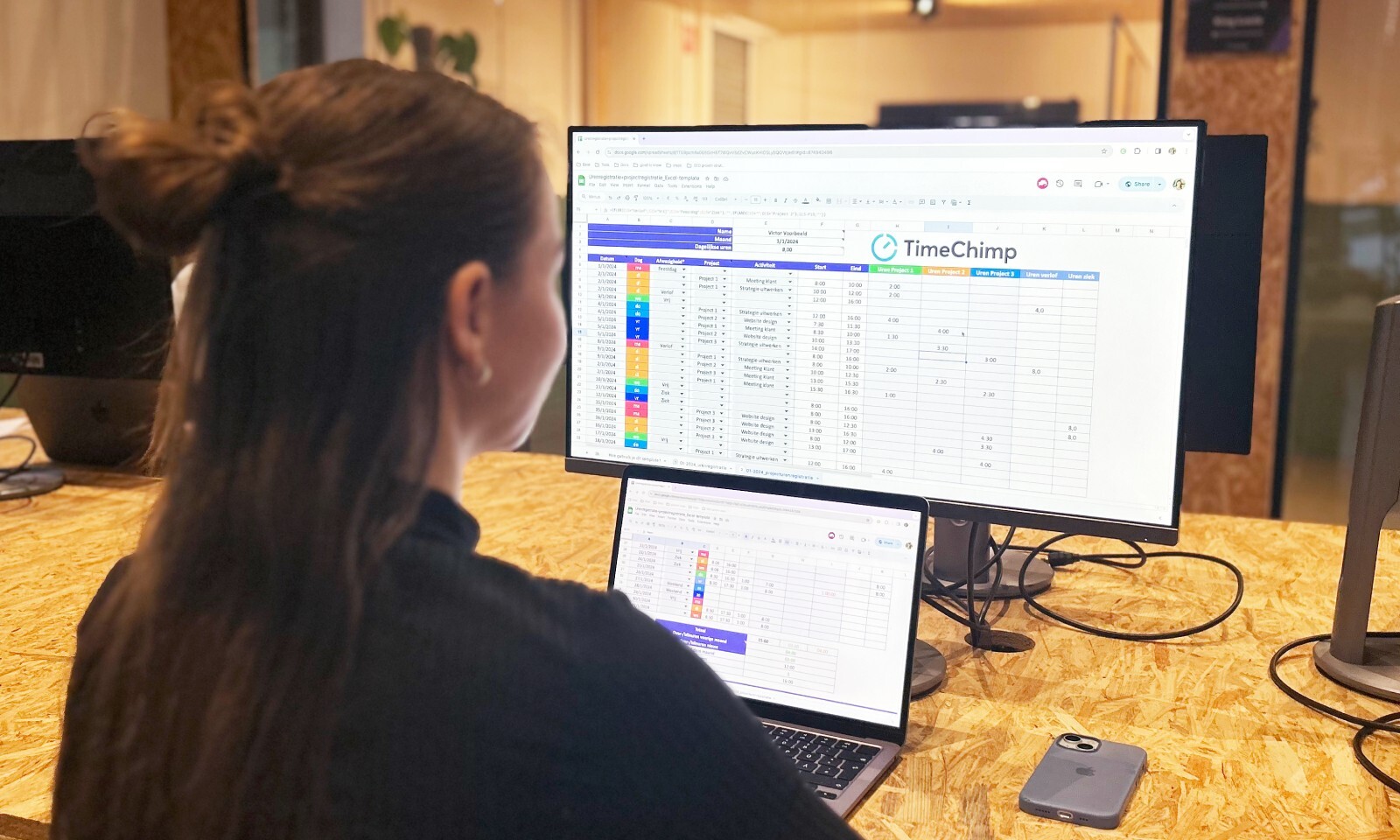


Many companies still register hours in Excel. It works — to a certain extent. But as an organization grows, runs more projects, or sets higher requirements for billing accuracy and reporting, Excel begins to show its limits.
This step-by-step plan explains how to approach the switch to a digital time registration system: from inventory to go-live, without disrupting your daily activities.
The most important insights
- Excel lacks the features that companies need for reliable time registration. There is no audit trail, no integrated project link and no direct connection to billing or payroll administration.
- The biggest risk in migration is not a technical risk, but an adoption risk. Employees who find the new system cumbersome register inconsistently — and inconsistent data undermines the value of the system.
- You don't have to manually retype historical Excel data. Most systems offer a CSV import function that allows you to include existing data in a structured way.
- A successful migration provides more than just a better registration system. Companies that switch structurally report better insights into project profitability, fewer billing errors and fewer discussions about hours worked.
- Legal obligations accelerate the need. In Belgium, a mandatory digital time registration will apply from 1 January 2027. In the Netherlands, the Working Time Act sets requirements for reliable time registration - requirements that an Excel sheet does not structurally meet.
Why Excel is no longer enough
Excel is flexible, familiar, and available everywhere. This makes it understandable that many companies have relied on it for years to record time. But as a time registration tool, Excel has fundamental limitations that increasingly weigh in the face of growth or higher quality requirements.
What Excel misses
The table below compares Excel with a dedicated time registration system on the criteria that matter to service companies.
Audit trail in case of changes
An audit trail is missing in Excel. In a digital time registration system, changes are logged automatically.
Project link per customer and task
In Excel, this is done manually. This has been integrated into a digital system.
Mobile registration
Excel offers limited options. Digital systems have a native mobile registration app.
Real-time reporting
Excel does not support this. Digital systems provide real-time insight.
Connection with payroll administration
In Excel, this is done manually. Digital systems offer integrations.
Linking to billing
Excel requires manual work. Connect digital systems via integrations.
Retention period
Excel does not guarantee this. Digital systems comply with legal retention periods.
Approval workflow
Excel does not support this. Digital systems have built-in workflows.
Each of these restrictions can be managed independently. But together, they mean that the administrative burden of time registration in Excel is structurally higher than in a dedicated system - and that errors are more difficult to prevent and repair.
When is it time to switch?
There is no universal tipping point, but the following signs indicate that Excel has reached its limit:
- You need more than one person to consolidate, monitor, or export timesheets.
- Invoices are regularly disputed because the underlying hours are not clear.
- Employees fill in hours afterwards — by estimate, at the end of the week or month.
- You can't quickly answer the question how many hours were spent on a specific project.
- Legal or customer obligations require a demonstrably reliable registration.
Step-by-step plan: From Excel to digital time registration
Below are the steps for switching to Excel.
Step 1: map out your current situation
Before you choose a system or start a deployment, you need to know what you have now. Many companies underestimate the variation in their own registration process: not every department works the same way, not every employee category registers at the same time or in the same format.
Determine by employee category:
- How do they record hours now? (Excel, e-mail, paper, retrospective estimate)
- How detailed is the registration? (total hours only, or per project, customer and task)
- How often do they register? (daily, weekly, monthly afterwards)
- What device do they work on? (office PC, laptop, mobile, at customer's location)
This last point determines the system choice: employees who primarily work on location have a different need than employees who are always in the office.
What can you do now?
- Get an overview of all employee categories and their current registration method.
- Identify the categories that are currently not registering or registering incompletely - these are the groups with the highest risk of data quality issues.
- Collect a representative set of your current Excel files and assess whether the structure is consistent enough for automated import.
Step 2: Set your requirements
Based on the inventory, you will draw up a program of requirements. Not a comprehensive document - a structured list of must-haves and nice-to-haves is sufficient.
Functional must-havesThink about:
- Time registration per customer, project and task
- Approval workflow for managers
- Export function for reporting and accounting
- Support for all employee categories in your organization
Technical must-havesThink about:
- Mobile registration via iOS and Android
- Integration with your payroll administration
- Integration with your billing or accounting package
- Data retention in accordance with legal retention periods
Usage RequirementsThink about:
- Intuitive interface, even for non-technical staff
- Minimal input time per recording (timer function, fast input)
- Clear display of submitted and approved hours
📚 Here you can read how to choose time registration software that complies with the Belgian law of 2027.
Step 3: Evaluate and Select a System
With a clear program of requirements, you can compare suppliers in a targeted manner. Schedule a demo for each candidate.
For each demo, ask at least these questions:
- How are hours tracked per customer, project and task? Can I adapt the structure to my organization?
- What format can I export data in? Which fields are included in the export by default?
- Is there a link to [your salary software or accounting package, such as Nmbrs or Loket]? How does this link work technically?
- What does the mobile app look like? Can employees register offline?
- How long is data stored? What happens to my data if I cancel the service?
Always ask for a trial period. The willingness of employees to adopt is difficult to assess from a demo, but quickly visible as soon as you use the system with a test group for a week.
What can you do now?
- Shortlist three to five systems based on your program of requirements.
- Involve an HR manager, a team leader, and a frontline employee in the evaluation — each has a different perspective on usability.
- Use a fixed questionnaire for all demos so you can compare suppliers fairly.
Step 4: Prepare for migration
Once you have chosen a system, the preparation for the actual migration begins. This is the phase that most companies underestimate: a well-prepared migration takes considerably less time than a poorly prepared one.
Include historical data or not?
Most time recording systems offer an import function for CSV files. So you don't have to manually retype historical Excel data. However, you'll need to clean up your current files first: consistent column names, uniform date formats, no merged cells.
Consider how much historical data you want to include. Many companies opt for a clean start and keep the historical Excel files as archives. In most cases, this is the fastest and cleanest approach.
What can you do now?
- Export your current Excel timesheets to CSV and verify that the structure is consistent enough for import.
- List all active customers, projects, and tasks that need to be created in the new system.
- Determine who will be the system administrator — the person who creates accounts, manages settings, and is the first point of contact for questions.
Step 5: pilot with one team
Do not roll out the system immediately for the entire organization. A pilot with one team or department gives you the opportunity to discover childhood illnesses and refine the training — without a problem immediately affecting everyone.
For the pilot, preferably choose a team that:
- is representative of your most complex registration situation (multiple customers, project changes, mobile work)
- is open to change and willing to provide feedback
- has a team leader who actively participates in the evaluation
Let the pilot run for at least two to three weeks. That's long enough to go through a full billing cycle or reporting period and see if the data is correct.
What can you do now?
- Select a pilot team and inform them about the purpose and duration.
- Set a feedback moment after two weeks: what works, what doesn't, what's missing?
- Compare the pilot output with the same team's historical Excel data for the same period. Are the totals correct? Are there deviations that indicate an input error or configuration problem?
Step 6: deployment and training
After a successful pilot, the full rollout follows. The key to adoption is not an extensive training day, but short, focused instruction when employees use the system for the first time.
Effective training for time recording software includes:
- An instructional video or screen recording of up to five minutes
- A one-pager with the three most common actions: enter hours, choose a project, submit a week
- A clear point of contact for questions in the first two weeks
Please note that training is not a one-off event. After four weeks, schedule a check-in to see if everyone is using the system consistently and if any questions are left behind.
What can you do now?
- Set a deployment date and communicate it to all employees at least two weeks in advance.
- Create a short instruction guide based on the experiences from the pilot.
- Agree on the date from which the Excel registration will stop permanently — a hard date prevents both systems from running in parallel.
The timeline at a glance
The schedule below is feasible for most companies with ten to one hundred employees. Adjust the duration based on your organization size and complexity.
- Inventory and Requirements (2—3 weeks)
You identify the current situation and set a program of requirements.
- Evaluation and selection (3—4 weeks)
You view demos, test systems and choose a supplier.
- Setup and migration preparation (3—4 weeks)
Data is being prepared, accounts are set up and imports (e.g. via CSV) are prepared.
- Pilot phase (2—3 weeks)
You test with one team, gather feedback, and make improvements.
- Deployment and training (2—3 weeks)
All employees go live and receive instructions about the system.
Total lead time: ± 3—4 months
TimeChimp makes the switch easy
TimeChimp is built for service companies that are moving from manual or distributed registration to a central, reliable solution.
- CSV import: Import existing Excel data directly via a structured import format — no manual retyping.
- Fast setup: Customers, projects and tasks are created in a few hours, with a structure that is in line with common practices in consultancy, IT and secondment.
- Mobile app: Employees record hours wherever they are, via iOS or Android, even without an internet connection.
- Approval workflow: Managers approve timesheets before they are processed — no more manual checks afterwards.
- Integrations: Direct links to common salary software and accounting packages in the Netherlands and Belgium, including Exact, Teamleader, SD Worx and Officient.
- Audit trail: All changes are logged automatically — for internal accountability and for compliance with legal registration obligations.
Conclusion
Switching from Excel to digital time registration is not a big project — if you approach it in a structured way. With a clear inventory, a targeted program of requirements, a carefully chosen system and a pilot phase for the rollout, the migration for most companies is completed in three to four months.
The immediate profit is the same for every company: less manual work, more reliable data and more insight into what projects really cost.
👉 Ready to make the switch from Excel to digital time registration? Start a free trial